
Does Scarlet Skips support a controller?
Steam lists partial controller support and Steam Deck Verified. Jump is still one action.
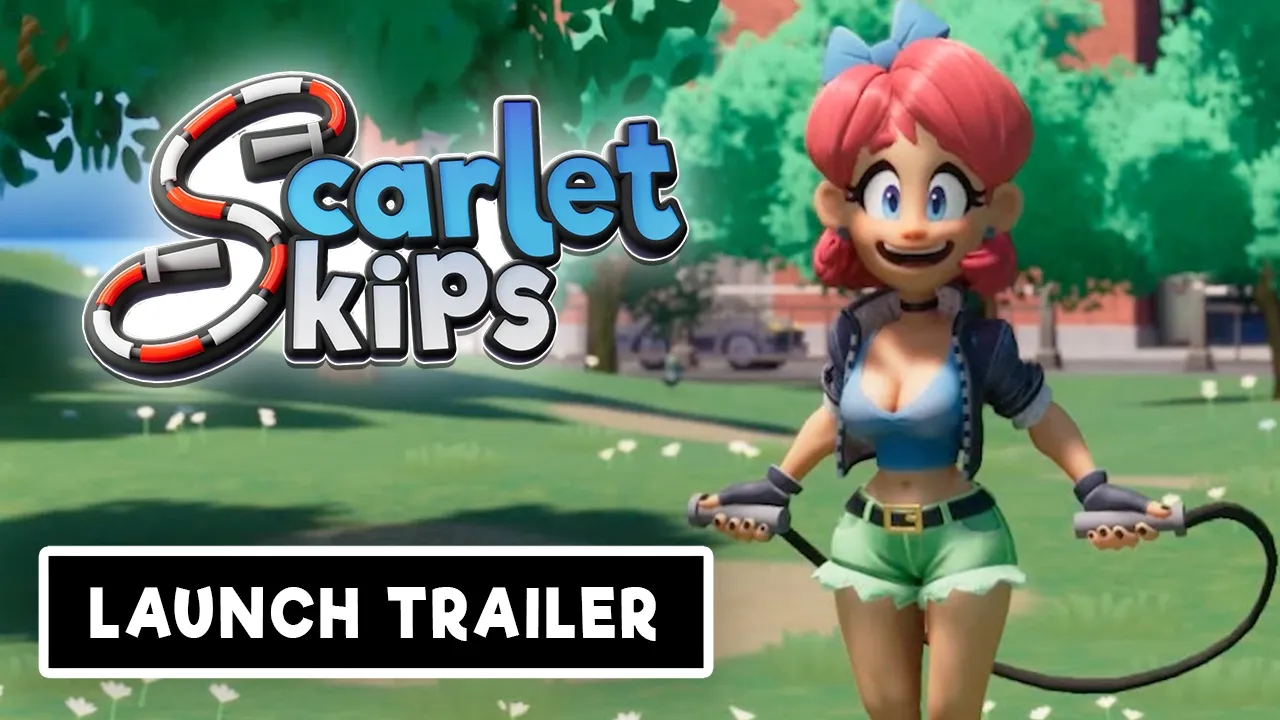
Scarlet Skips controls: press, hold, and release on one button; retune after height and extra ropes; keyboard, pad, Steam Deck. Verified Sep 2026.
Official launch trailer — one-button skip presentation from Yerk.
~6 min read
Scarlet Skips controls are the whole game: one button, three verbs. This page is the timing manual the beginner guide points to. Steam’s own sentence is the spec: the game “is played entirely with press, hold, and release inputs of a single button.” Verified September 5, 2026 · Yerk Games · Steam.
| Input | Teaching model (not official HUD) |
|---|---|
| Press | Commit to this beat — a late start often clips the rope |
| Hold | Stay in the jump — height cards make the same hold cover a different arc |
| Release | Return to the next skip window |
| Second button | Not part of the advertised scheme |
The Steam page names the verbs — press, hold, and release — but it does not print a HUD glossary. The next three paragraphs are a teaching model for a jump-rope beat, not copied in-game tooltips.
Think of the rope as a clock hand. Press is “I commit to this beat.” If you mash, you are guessing. If you wait until the rope is already under Scarlet, you are late. Official trailers sell the joke; in play the joke is a metronome.
Hold is how long Scarlet stays in the shape of a jump. Jump-height upgrades make hold more dangerous because the same finger duration now clears a different arc. Players who “just tap like the first ten seconds” die here.
Release is the reset. You are not charging a second skill. You are putting Scarlet back into the skip cycle so the next press has a legal window. Holding through the landing because the animation is funny is a real failure mode — the animation system is built to be watchable, which is exactly how you forget the rope.

Scarlet Skips is Steam Deck Verified. Default layout should expose the jump action with correct glyphs. Keyboard players usually want a large, honest key (Space or a thumb mouse button) rather than a tiny letter you will mash accidentally.
Controller: any face button you can tap and hold without gripping the pad to death. Analog stick is not the skip. Triggers can work if you like analog feel, but the game’s public description is digital press/hold/release — analog travel can add lag you did not ask for.
Deck + Bluetooth: if the game is reading the Deck controls while a USB pad is plugged in (or the reverse), use Steam’s Quick Access Menu to set the active controller. That is a platform note, not a Scarlet Skips unique mechanic.
The whole Scarlet Skips controls scheme is one action. A tiny letter key plus a second “just in case” mouse bind is how accidental extra presses look like a hidden jump. Bind once. Fat-finger tests belong in the 30-second drill, not in a live score attempt.
After a height card, shorten the hold before you blame the press. After an extra rope, watch the new rope before you speed up the mash. After fire, you are reading a state change on the same object — the button did not gain a reload key.
Community clips mention rocket boots and mid-air level-ups refilling fuel. If that appears in your client, it is still one button: hold becomes “stay in the air toy,” release becomes “return to skip law.” Do not invent a second bind.
| What changed | Adjust this verb first | Do not do this |
|---|---|---|
| Jump height up | Hold (shorter) | Mash faster |
| Extra rope | Press (watch the extra beat) | Ignore the new rope “until later” |
| Fire | Release (reset after the flashy frames) | Stare at the VFX |
| Camera shift (community) | Press (re-find the rope in frame) | Chase the camera with the stick |
Matched by build plan, shared topics, and guide progression — not random related links.
A 1-button game makes display lag obvious. If you are perfect on a PC monitor and awful on a 4K TV in Game Mode off, that is the TV. VRR, overlay recording, and Discord overlays can all add a frame. Turn overlays off for a score run.
Steam Deck handheld vs docked will not use the same latency. If you learned timing docked, expect a session to re-tune handheld.
| Symptom | Likely cause | First test |
|---|---|---|
| Fine on monitor, late on TV | Display lag | Game Mode / monitor only |
| Fine until overlay on | Capture / Discord overlay | Disable overlays |
| Fine handheld, late docked | Dock latency | Retune; do not blame cards |
| Random extra jumps on pad | Fat-finger / wrong device | Rebind; Quick Access controller |
Three short runs, one verb each: (1) only punish early presses, (2) only punish long holds, (3) only punish late releases. Then go to upgrades and pick cards on purpose. Skipping the drill and jumping into high-score is how people call the game unfair.
Scarlet Skips does not give you a practice dummy. The warm-up is just shorter runs. Keep a notepad: “death 1 late press,” “death 2 long hold after height.” If every line says “idk,” you are watching Scarlet instead of the rope. The reveal trailer is a character reel; it is a bad metronome.
On pad, fat-fingered extra presses look like the game added a hidden jump. They did not. Rebind to a face button you can hold without crushing the grip. On Deck, if a Bluetooth pad is connected, Steam may be listening to the wrong device — Quick Access, active controller, then retry the same 30-second drill.
Once you can survive a single-rope warm-up, you have earned clutter. Extra ropes are a tracking upgrade, not a score cheat. Fire is a state change on the same object. Community flight toys, if they exist in your client, are still one button. There is no secret second bind hiding in a settings tab the store forgot to mention.
Steam lists partial controller support and Steam Deck Verified. Jump is still one action.
Not on the verified Steam listing. Phone searches are a different store problem — see the homepage FAQ.
Height changes hold. Extra ropes change what you watch. Fire changes readability. Retune one verb at a time.
Take the timing into upgrades.
Matched by build plan, shared topics, and guide progression — not random related links.